Why keeping your payments private is beneficial to you
What most people don't know is that banks can share or sell your purchase data, often to advertisers, data brokers, and marketing partners.
Privacy has a business model that doesn't require selling you out. We earn from merchant fees and optional subscriptions — not your data.
Private Spend Mode
Works across all your Privacy Virtual Cards.
Shop with virtual cards in Private Spend Mode to hide merchant names from your bank statement.
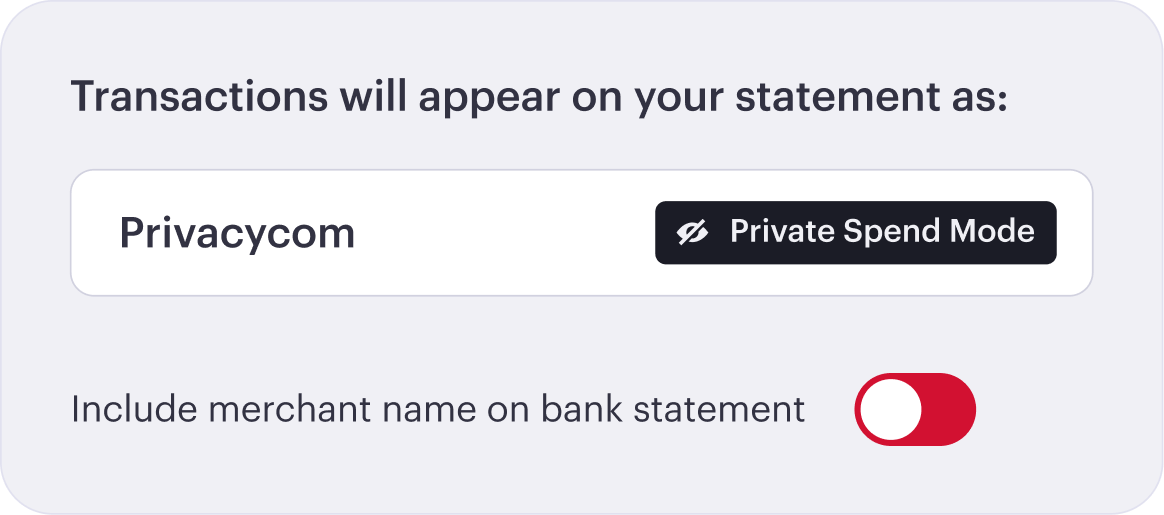
Your Privacy transaction records remain intact.
How it works
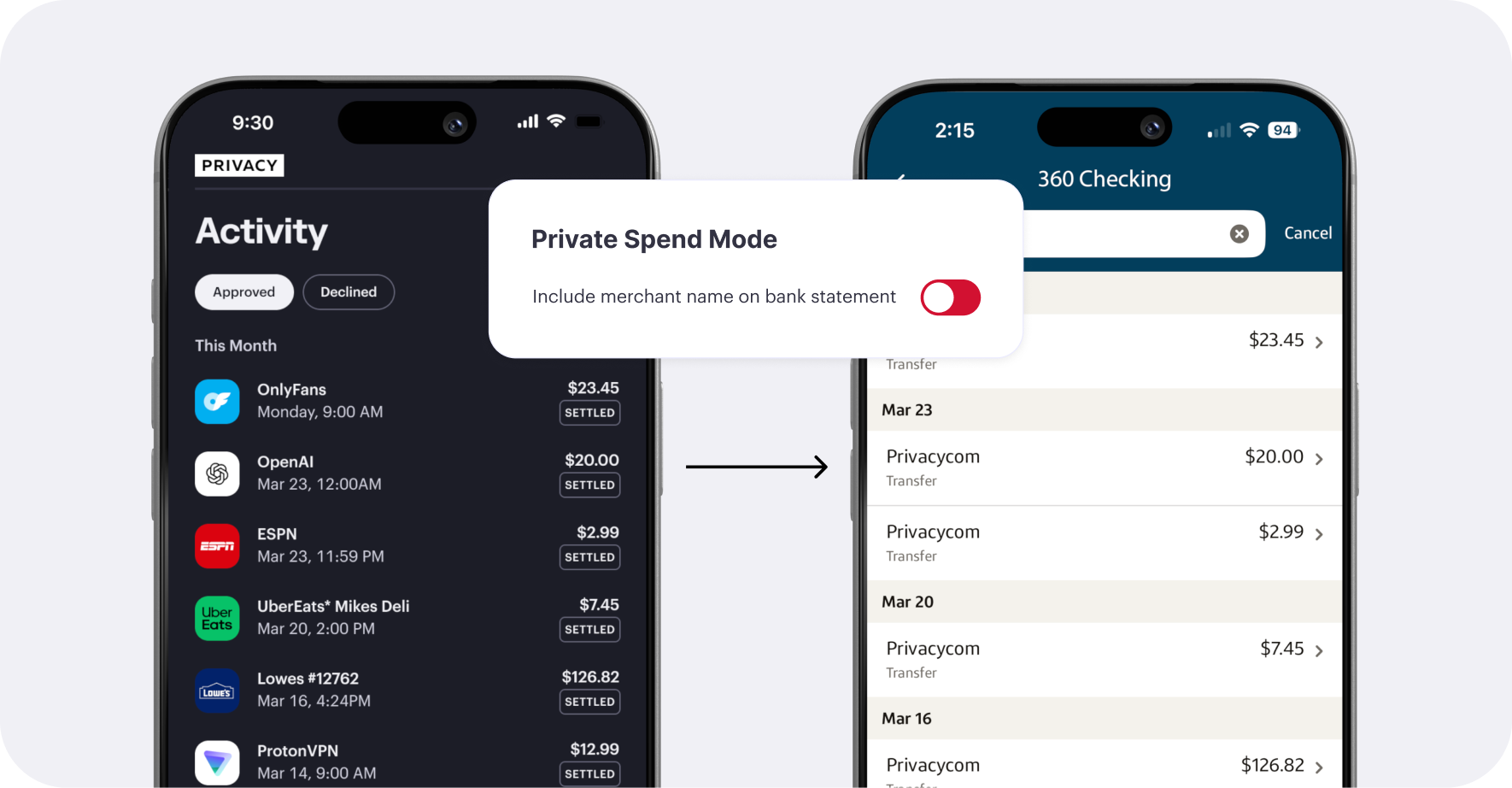
By default, when you pay with a Privacy Virtual Card, your bank statement shows the name of the merchant you purchased from.
With Private Spend Mode on, that merchant information is stripped before it ever reaches your funding source.
Your bank sees a charge from “Privacy.com”, nothing else.
Frequently Asked Questions
No — once a charge posts to your bank statement, it can't be changed. Private Spend Mode needs to be on before a transaction happens. Enable it now to keep future purchases discreet.
Not with Private Spend Mode on. Your bank only sees "Privacy.com" — the merchant name is never passed through.
Yes. Your complete transaction history, including merchant names and amounts, is always available inside your Privacy account.