Introducing Privacy MCP: Connect Your AI Assistant to Your Privacy Account

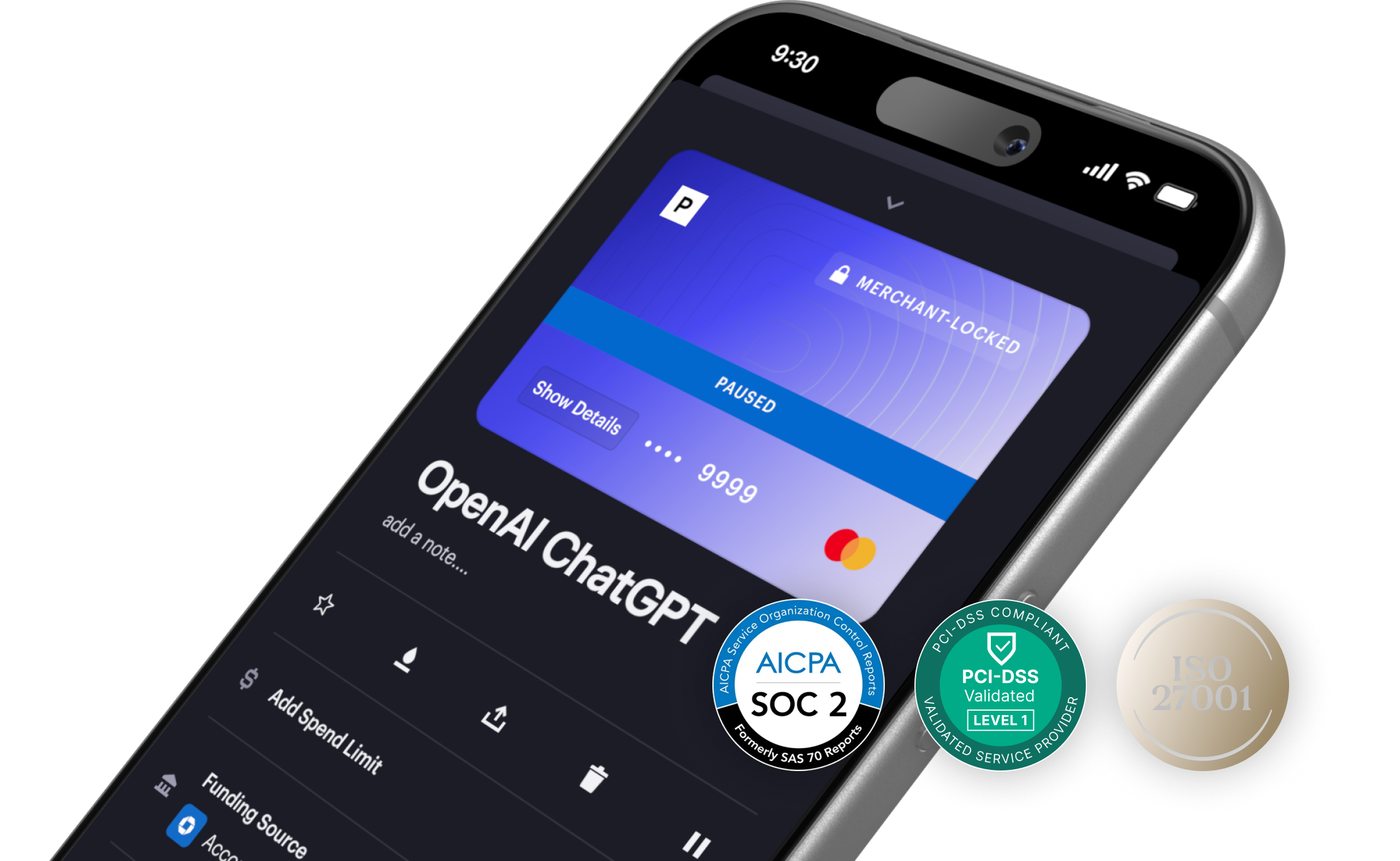
MCP (Model Context Protocol) is an open standard that allows AI assistants to connect directly to external tools and services. Privacy's MCP server enables you to connect AI tools like Claude and ChatGPT to your Privacy account for enhanced control and flexibility in how you manage your cards and track your spending.
What You Can Do With Privacy MCP
For most customers, the easiest way to connect Privacy MCP to your AI assistant using OAuth and authenticate with your Privacy account. From there, you can ask your AI to take actions or pull information on your behalf.
Some examples of what you can do:
- Take bulk actions — “Pause all of my open cards”
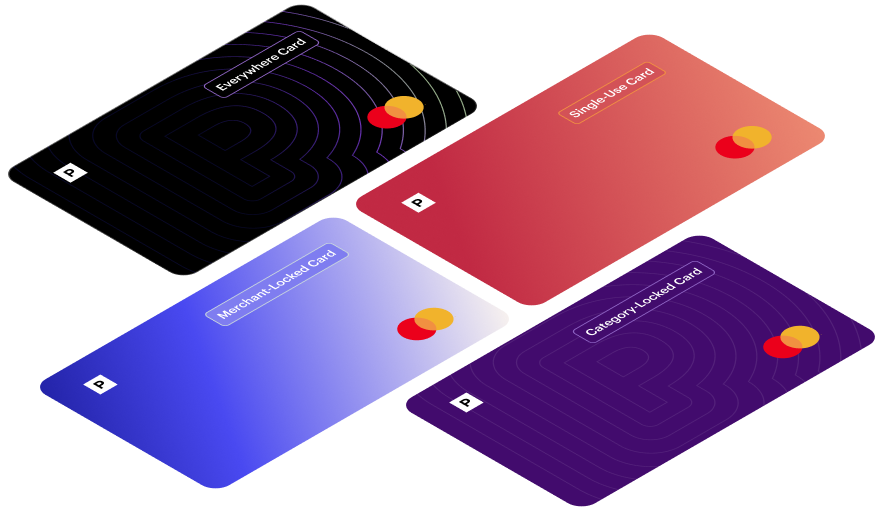
- Create a new card — "Create a single-use card with a $50 spend limit”
- Manage unused cards — "Which of my cards haven't had any transactions this month? Close them."
- Track spending — "How much did I spend on food delivery last month?" or "Show me my month-over-month subscription spend."
You could already do all of this in the Privacy app. Privacy MCP just removes the manual layer—your AI tools can now execute card actions faster and unlock deeper insights into your spending.
For Developers: Local MCP + CLI
If you're a developer, Privacy MCP also supports a local server connection via API key. This is designed for building custom integrations and automating Privacy functionality within your own workflows or applications.
The Privacy CLI accompanies this for developers who want flexible, scriptable access to Privacy's payments infrastructure—creating cards, setting spend limits, and triggering actions programmatically.
Documentation is available in our developer docs.
Getting Started
Note: API access is required to connect to Privacy MCP. Customers on our Plus ($5/month) plan and above have API access. Learn more about Privacy plans at https://www.privacy.com/pricing.
For Claude Desktop:
- Open Claude Desktop and go to Settings > Integrations
- Click "Add custom integration"
- Add this URL: https://mcp.privacy.com
- Click "Connect" and authenticate with your Privacy account
For ChatGPT:
- Open ChatGPT and go to Settings > Apps
- Click "Advanced Settings" and toggle on "Developer Mode"
- Click "Create App"
- Set MCP server URL to: https://mcp.privacy.com
- For Authentication, select: OAuth
- Click "Create App" and approve ChatGPT to access your Privacy account
Our Commitment to Transparency
We've seen questions circulating about how companies use AI, and we want to be upfront: Privacy has not integrated AI into our platform in any way that accesses, analyzes, or uses your card data or account activity. Your transaction history, card details, and spending are yours. We are not feeding them into AI models.
What we have done is make Privacy available as a tool you can choose to connect to your own AI assistants, if you want to. That's a choice that belongs entirely to you.
This reflects something we've always believed: you should have more control over your financial data than any other service gives you, and that includes deciding if, when, and how AI ever touches it.