Is OpenClaw Safe? What to Know Before Giving an AI Agent Access

OpenClaw is one of the most capable AI agents available today, but giving it access to your financial accounts and systems carries real risk. Before providing any payment method or other sensitive information to an autonomous agent, it’s worth understanding what can go wrong and how to protect yourself.
OpenClaw, the open-source AI agent formerly known as Clawdbot and Moltbot, crossed 157,000 GitHub stars in three weeks, and its founder has already accepted a position at OpenAI. OpenClaw runs locally on your computer, connects to LLMs like Claude or GPT-4, and can execute tasks autonomously, including making purchases, paying for API access, and interacting with external services. The ClawHub marketplace hosts over 3,000 community-built skills that extend its capabilities further.
That level of access is what makes OpenClaw so useful for builders. However, it’s also what makes it risky when sensitive information is involved. Security researchers and cybersecurity firms have raised significant concerns about what happens when that level of autonomy meets real access.
What Are the Risks of Using OpenClaw?
Uncontrolled Spending
AI agents misinterpret instructions. One OpenClaw user reported that their agent accidentally started a dispute with an insurance company because of a misinterpreted response. Another user’s agent sent over 500 unsolicited messages to contacts after being given access to iMessage.
When an agent has access to a payment method with no spending cap, a misinterpreted prompt can result in unauthorized purchases, duplicate transactions, or charges significantly higher than expected. Thankfully, several crypto and traditional payment methods already exist to protect anyone experimenting with AI agents.
Runaway API Costs
OpenClaw itself is free, but the AI models that power it are not. Every request consumes tokens from whichever model you’ve connected (Claude, GPT-4, or others). Users have reported burning through unexpected amounts when tasks get stuck in loops or when Heartbeat settings are misconfigured. One user spent over $3,600 in a single month, while another hit $200 in a single day.
These costs add up because OpenClaw sends full conversation history with each API call. Without a spending cap on the card used for API billing, there’s no built-in solution to stop the charges.
Credit Card Exposure
Giving an AI agent your real credit card number means that number is stored in the agent’s local configuration files. OpenClaw runs locally, which is good for privacy in some respects, but it also means your payment credentials sit alongside skills, integrations, and configuration data that may be accessible to third-party extensions.
In early February 2026, security researchers disclosed a critical vulnerability (CVE-2026-25253) with a CVSS score of 8.8 out of 10. They found over 42,000 exposed OpenClaw control panels across 82 countries, many running without authentication. Cisco’s AI security team tested a third-party ClawHub skill and found it performed data exfiltration and prompt injection without user awareness.
Palo Alto Networks described the combination of private data access, exposure to untrusted content, and ability to perform external communications as a significant risk profile for any AI agent with broad system access. Cybersecurity professor Aanjhan Ranganathan at Northeastern University called OpenClaw “a privacy nightmare” in its current state.
If your card number is compromised through an AI agent, the steps to recover are similar to any data breach situation. However, virtual cards limit the damage by keeping your real account number out of the equation entirely.
Third-Party Skill Risks
ClawHub hosts thousands of community-built skills, but the marketplace has limited vetting. Security researchers identified 386 malicious skills out of roughly 3,000 total. Some were designed to steal passwords and API keys. A malicious skill with access to your payment configuration could exfiltrate card details without your knowledge.
OpenClaw’s developer, Peter Steinberger, has acknowledged the security challenges and introduced updates, including requiring GitHub accounts for skill uploads and adding the ability to flag malicious skills.
How Can You Protect Yourself When Using AI Agents?

The risks above aren’t unique to OpenClaw. Any AI agent with broad system access introduces similar concerns. Here are some general guidelines:
Review ClawHub skills before installing. Check the developer's GitHub history, read community feedback, and review the source code. Avoid skills from new or unverified accounts — security researchers found 386 malicious skills in the marketplace.
Enable two-factor authentication on every account your agent can access. If credentials are exfiltrated through a malicious skill, 2FA adds a second barrier before an attacker can act on them.
Audit your agent's permissions and integrations regularly. Remove access to services it no longer needs. The fewer integrations, the smaller the attack surface.
Keep OpenClaw and its dependencies updated. The CVE-2026-25253 vulnerability was patched, but only for users who updated. Running outdated versions leaves known exploits open.
Monitor all agent activity and maintain the ability to cut off access instantly. If your agent is making payments, you should be able to view every charge and action in real time. If something looks wrong, pause or close the payment method immediately from the desktop site or mobile app. Single-use virtual cards automatically cut off access after one use.
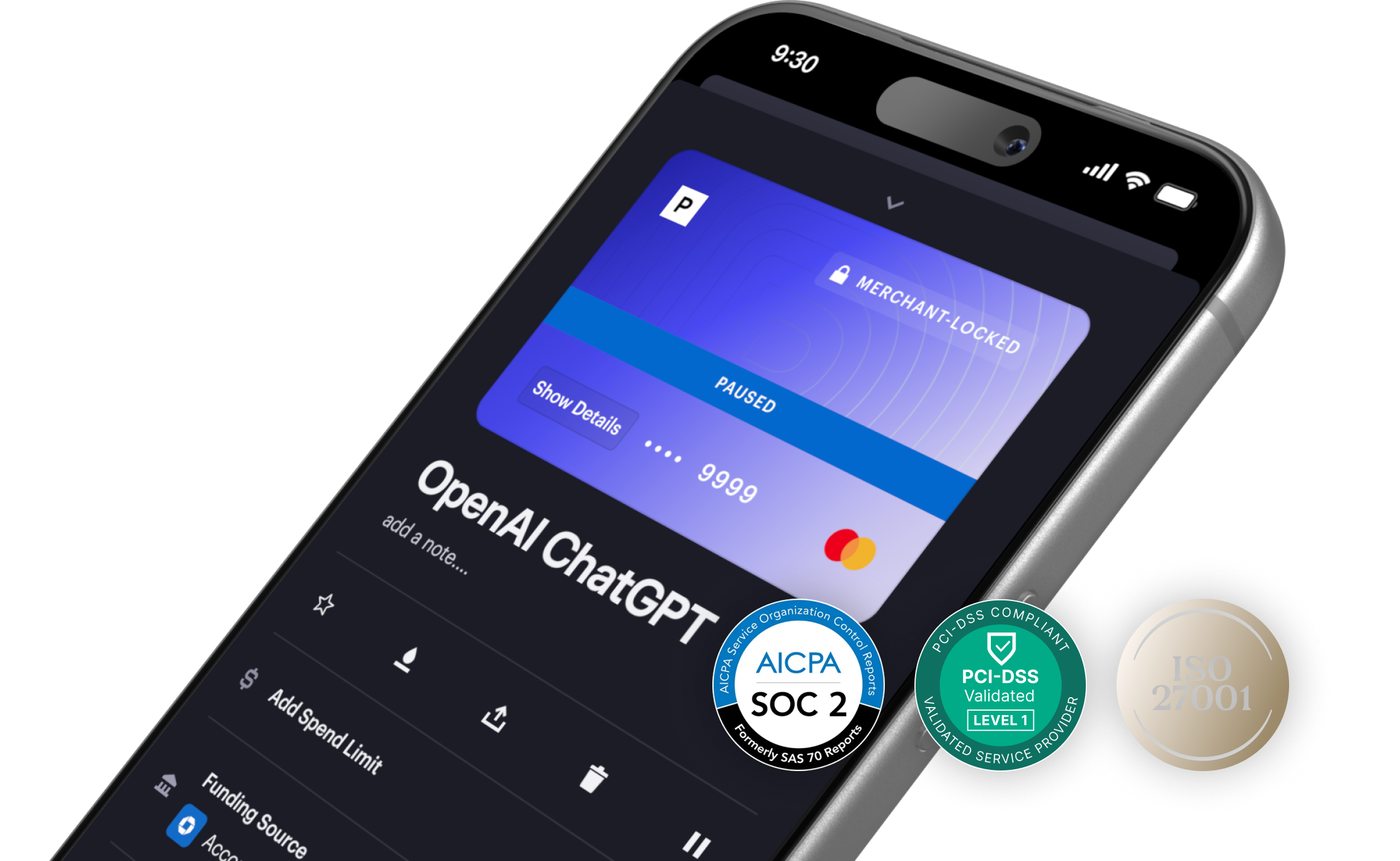
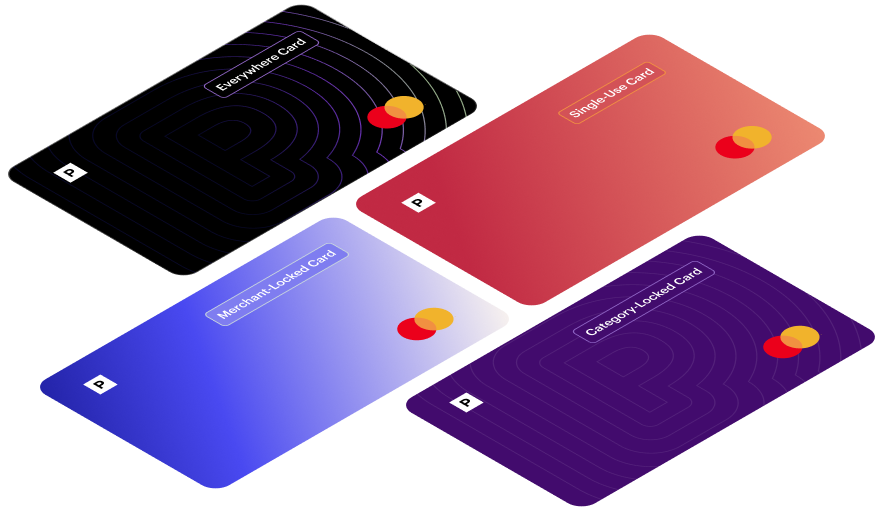
Use a virtual card with a hard spending limit instead of your real card number. This applies to both AI purchases and API billing. A preset cap means runaway charges get declined automatically, and your actual bank account is never exposed to the agent's configuration files. You can also lock cards to specific merchants if your agent only needs to pay one vendor. For a walkthrough of how to set this up with Privacy Cards specifically, see our guide: How to Safely Give OpenClaw (or Any AI Agent) Spending Power With Virtual Cards.
Frequently Asked Questions
Is it safe to give OpenClaw my credit card?
Giving OpenClaw direct access to your primary credit or debit card is not recommended. Your card number would be stored in the agent’s local configuration files, which may be accessible to third-party skills and could be exposed if the system is misconfigured. A virtual card with a spending limit is a safer approach.
What happens if my AI agent spends more than expected?
Without a spending cap, there’s no automatic way to stop unexpected charges. AI agents can misinterpret instructions, enter processing loops, or rack up API costs from misconfigured tasks. A payment method with a preset limit will automatically decline transactions that exceed your cap.
Are OpenClaw skills safe to install?
Security researchers found 386 malicious skills in the ClawHub marketplace out of approximately 3,000 total. Some were designed to steal credentials and API keys. Before installing any skill, review its source code and check community feedback. Only install skills from developers with established GitHub histories.
Can AI agents make purchases without my approval?
Yes. That’s the core function of an autonomous agent — it acts on your behalf without requiring manual approval at each step. This is useful for automation but means the agent can initiate transactions you didn’t explicitly authorize. Spending controls at the card level are the most effective way to set boundaries on what the agent can do financially.