Decided To Cancel Grammarly? Here’s What You Should Know

Grammarly is a renowned AI writing assistant, assisting over 30 million people every day in improving their communication workflows. While one of the most popular tools of its kind, Grammarly may not be the solution for everybody.
If you’ve experienced any issues with the platform or wish to try another AI writing assistant instead, use this tutorial to learn how to cancel Grammarly. This guide will break down the exact steps and provide other crucial information about the cancellation process.
Note that the content in this article is valid as of November 2023. To get the latest information, go to Grammarly’s website or contact customer support.

How To Cancel Grammarly Premium and Business
To cancel your Grammarly subscription or free trial, take the steps presented in the table below:

Privacy—Secure, Accessible, and Convenient
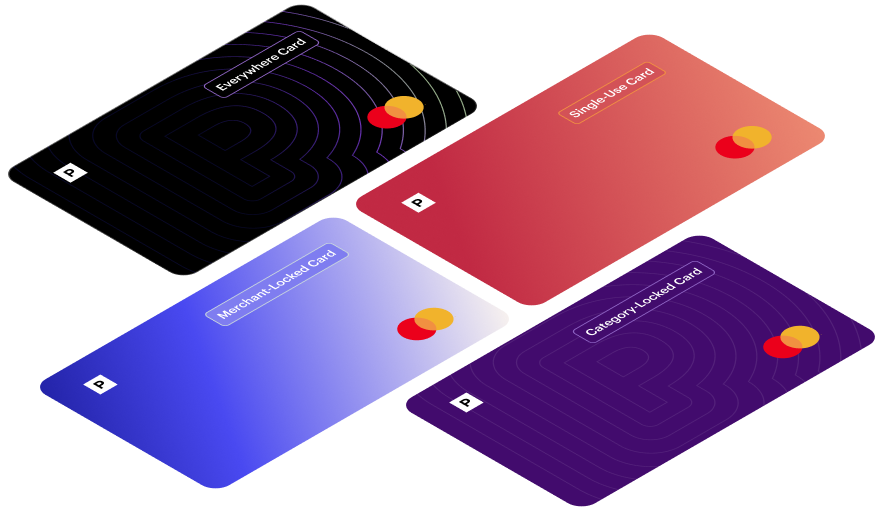
To enhance your user experience, Privacy also offers a:
- Browser extension—The Privacy browser extension makes payments fast and seamless. It autofills virtual card numbers at checkout, so you don’t have to reach for your wallet whenever you want to shop. You can get the extension for Edge, Chrome, Firefox, and Safari, as well as Safari iOS if you’re an iPhone or iPad user.
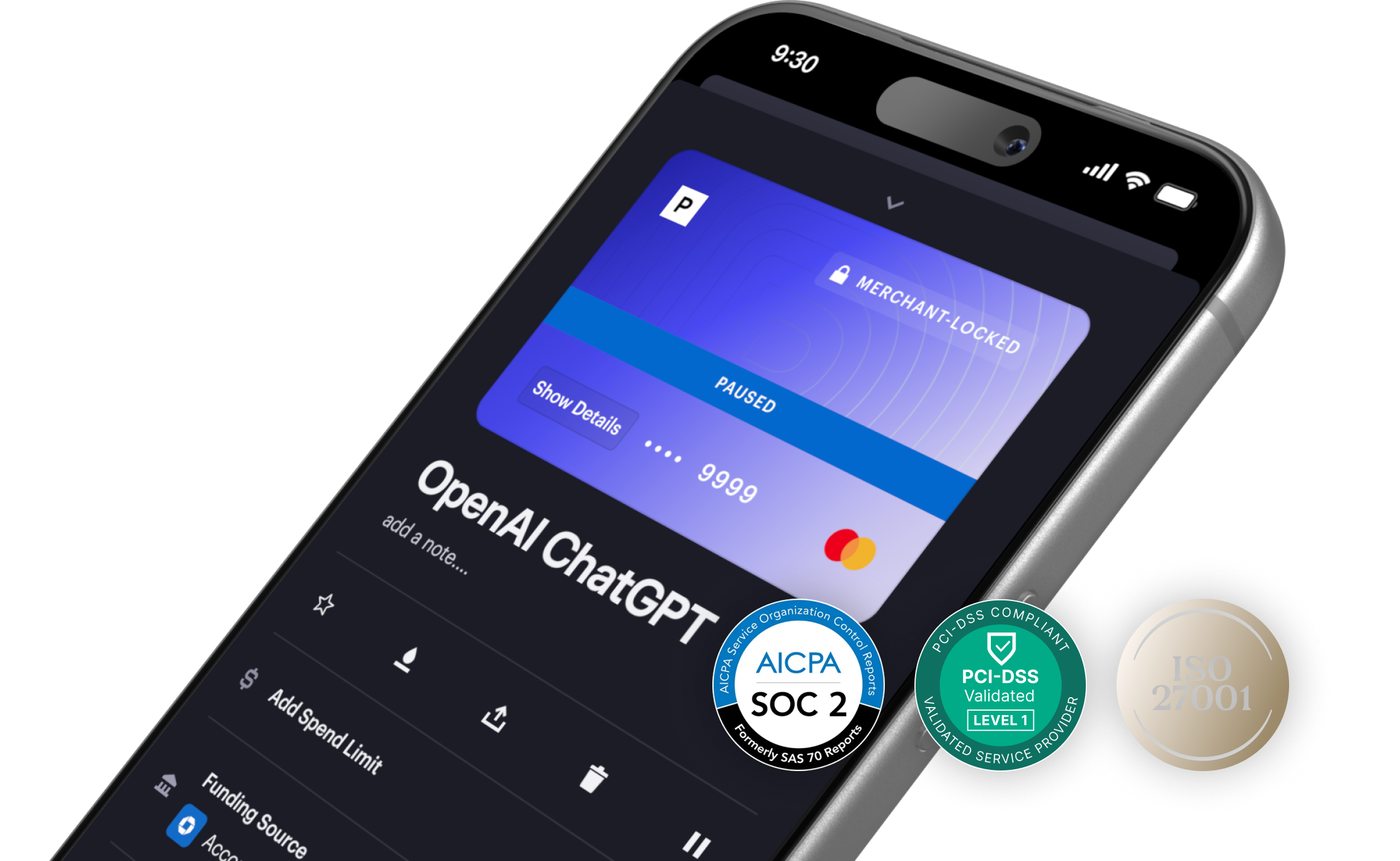
- Mobile app—Thanks to Privacy’s mobile app, which is available for Android and iOS, you can generate and manage your virtual cards on the go.
If you’re ready to start using Privacy, follow these four simple steps:
- Create an account
- Enter the information needed to verify your identity
- Connect a bank account or debit card
- Request and create your virtual cards
As Privacy Virtual Cards are issued by Visa® and Mastercard®, they can be used at most merchants and websites, including popular subscription services like Canva, Audible, and Curology.
Privacy has three pricing plans. The Personal plan:
- Is free for domestic transactions
- Includes 12 virtual cards a month
- Lets you set spending limits and pause/close cards
- Gives you access to the browser extension and app
By selecting one of the other two plans, Pro ($10/month) or Premium ($25/month), you’ll get additional cards and features like priority support and fee-free international transactions.